1
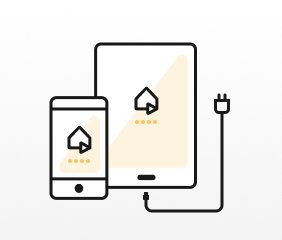
Install on two phones
One is the monitor, the other's the camera.
AlfredCamera can turn a compatible spare phone into a security camera and another phone into the viewer, giving you remote access to the camera feed from an internet-connected device.
Links open the official Canadian store listings where available. Availability, compatibility, free features, subscriptions and pricing can change; check the current store listing before installing.
Commercial disclosure: Listiee may receive compensation when you use certain outbound links or complete a qualifying action, such as a click, install, lead or subscription. How our commercial links work.
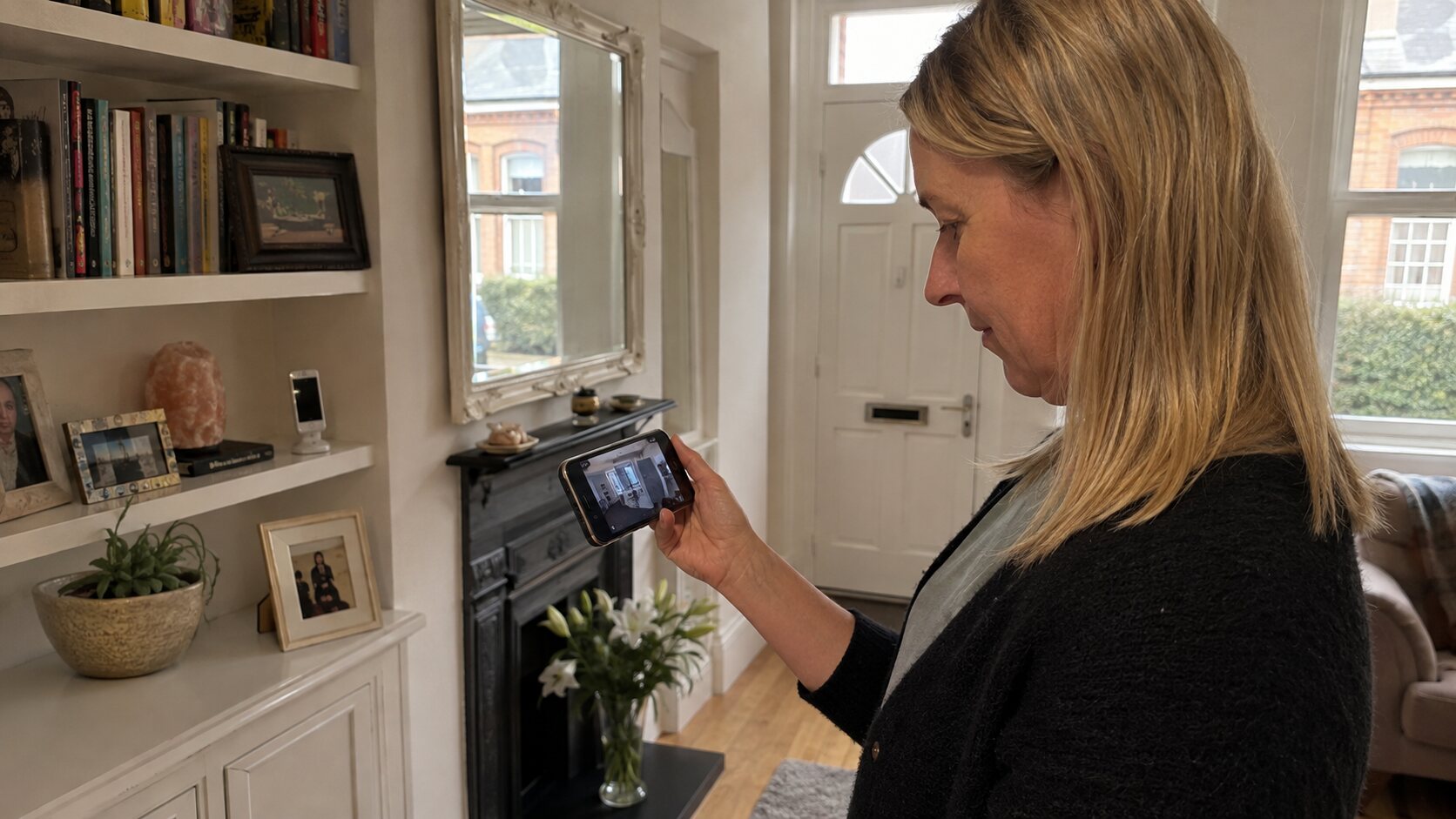
Figures published by AlfredCamera on its official website, checked September 2026.
The official AlfredCamera setup is based around two compatible devices.
One is the monitor, the other's the camera.
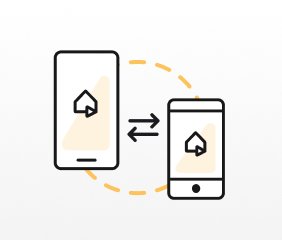
Use a QR code or email to pair the devices.
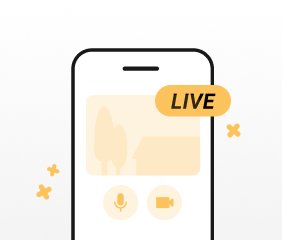
Feature rich security is now at your fingertips.
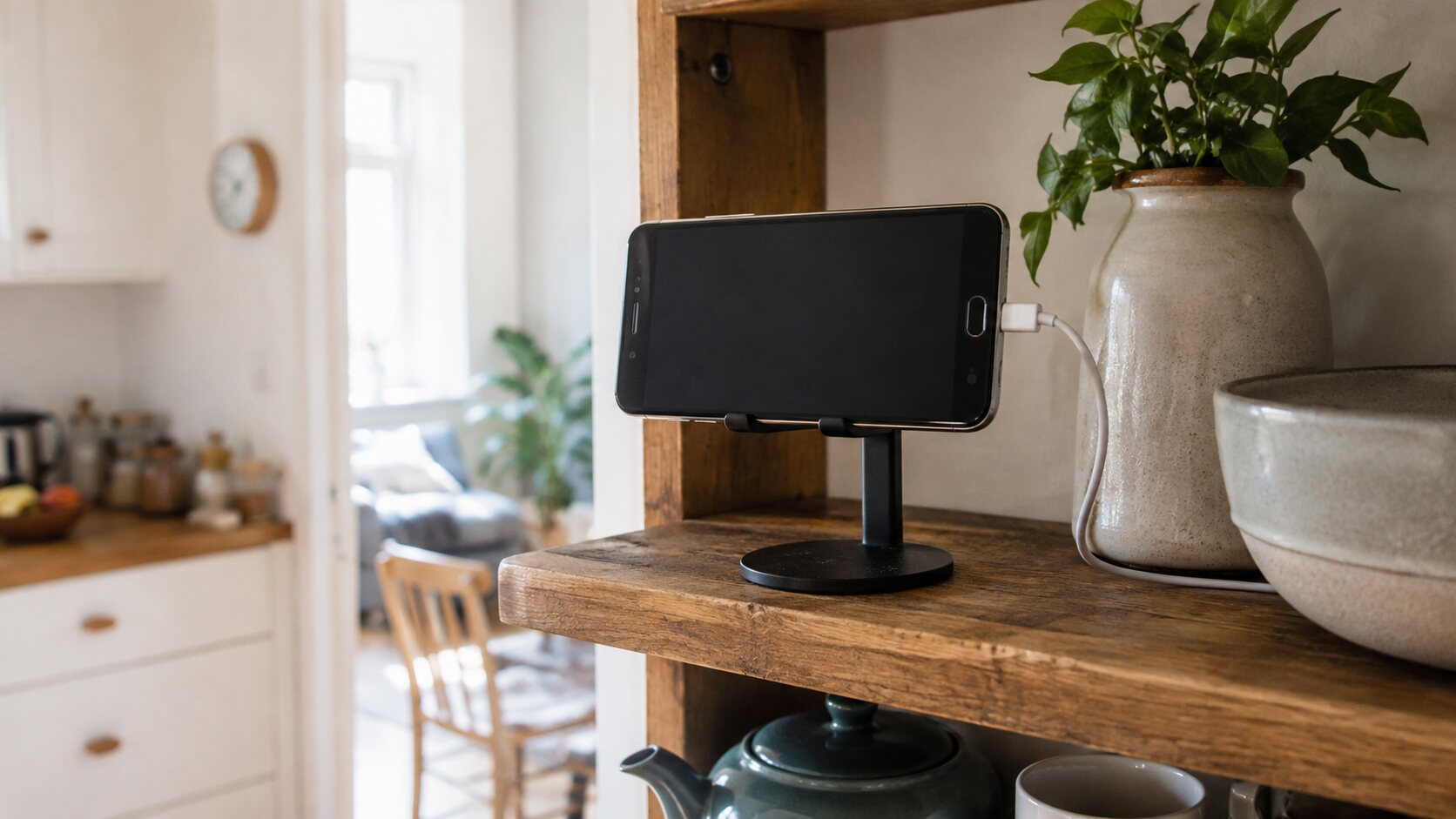 Give a compatible spare device another use
AlfredCamera’s official product pages describe a broader monitoring feature set. Exact availability can depend on device, operating system, region and subscription level.
AlfredCamera presents the app for a range of everyday surveillance and check-in uses.
Check rooms, entrances, valuables or other areas in and around the home.
Look in on pets while you are away and keep an eye on the room they are using.
AlfredCamera also promotes baby and elderly-care monitoring use cases. Always respect privacy and consent.
Use a compatible device for simple remote observation of a small workspace where lawful and appropriate.
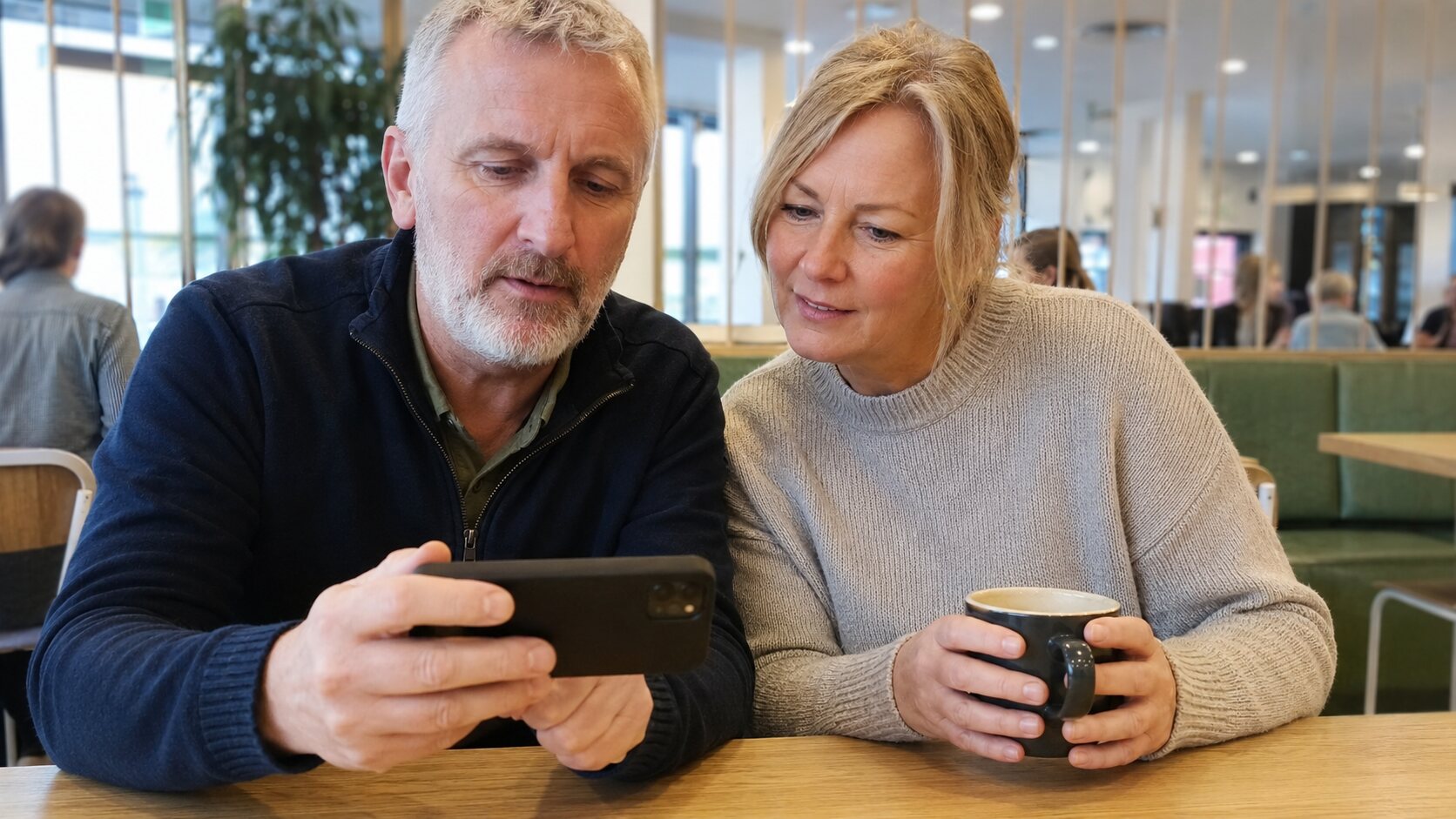
Use the viewer device to check the camera feed when both devices have suitable connectivity.
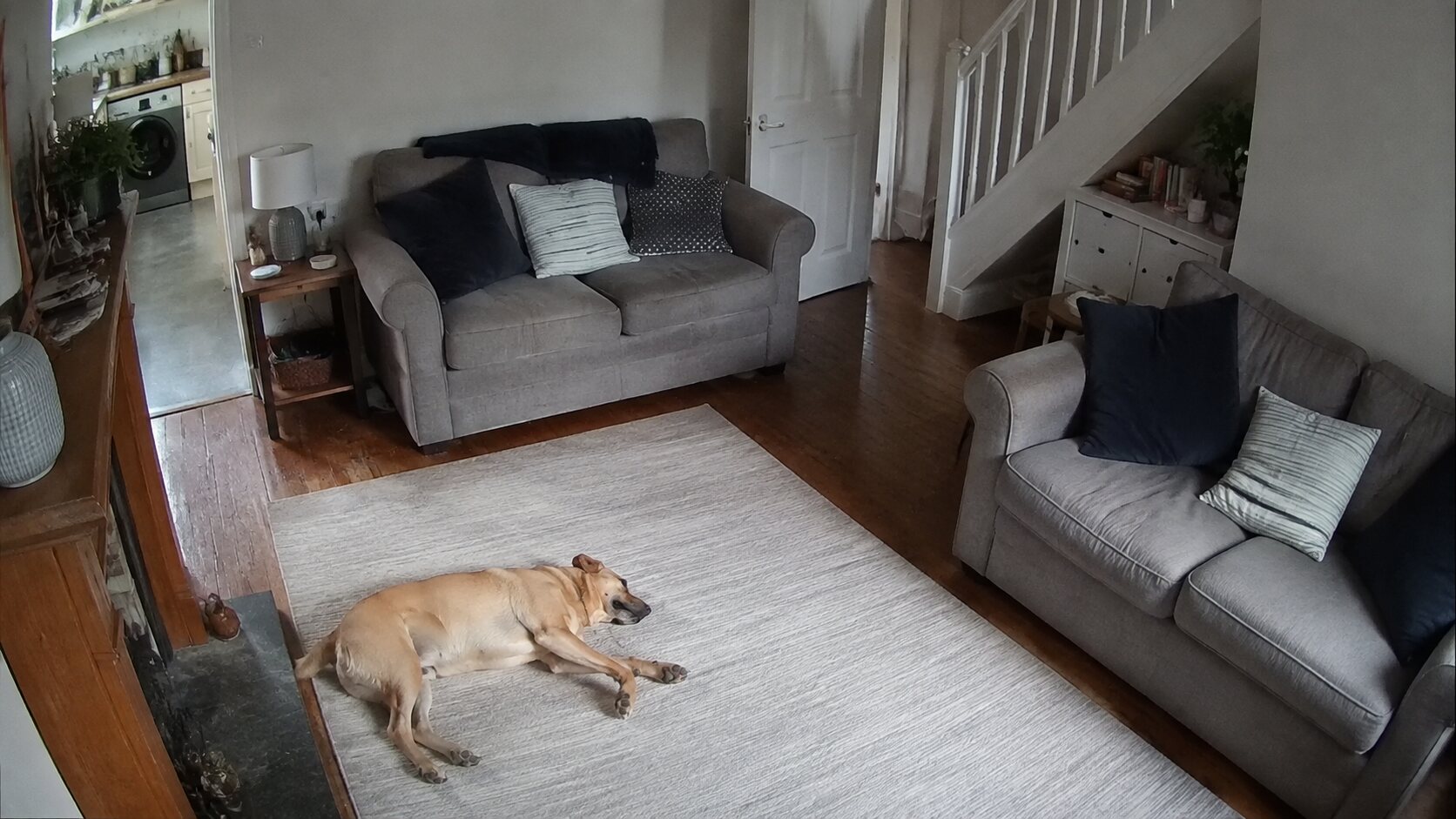
A fixed camera view can be useful for ordinary check-ins, without claiming to replace a professionally installed security system.
Camera and microphone access are core to this type of application. Review the current AlfredCamera privacy information and the privacy details in the relevant app store before use. Position cameras only where monitoring is lawful and where other people’s privacy is appropriately respected.
AlfredCamera is operated by Alfred Systems Inc. Listiee is an independent information/advertising website and does not develop, operate or provide the AlfredCamera service.
This guide summarises information published by AlfredCamera. Product features and published figures can change.
Open the current Canadian listing to confirm compatibility and download AlfredCamera.